
Funimate
Photography
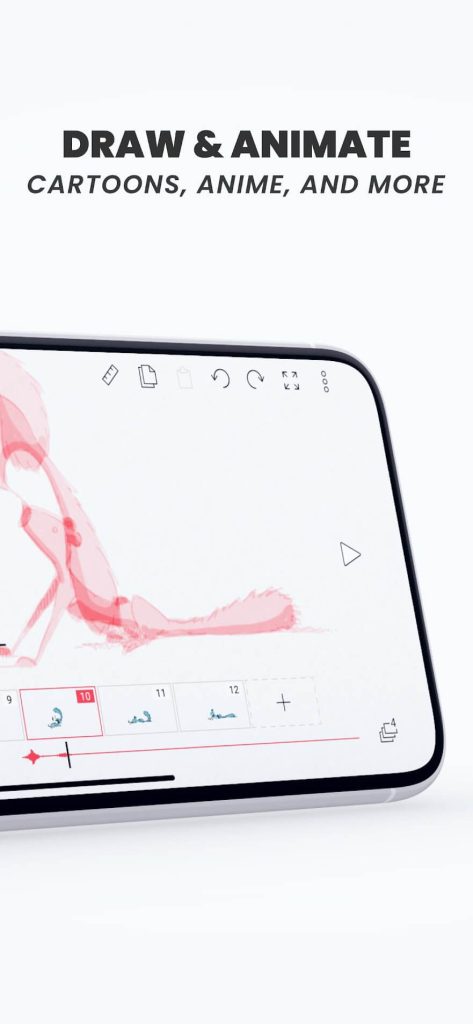
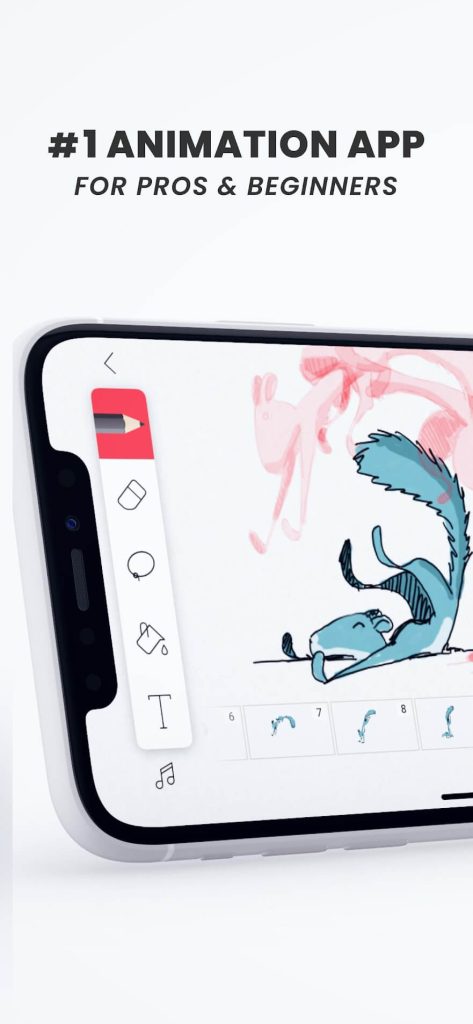
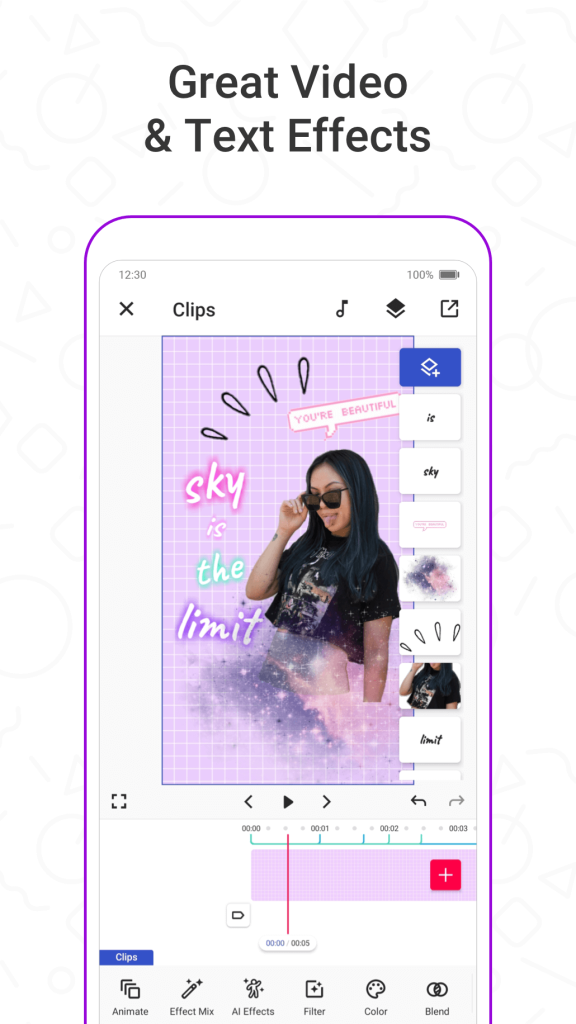
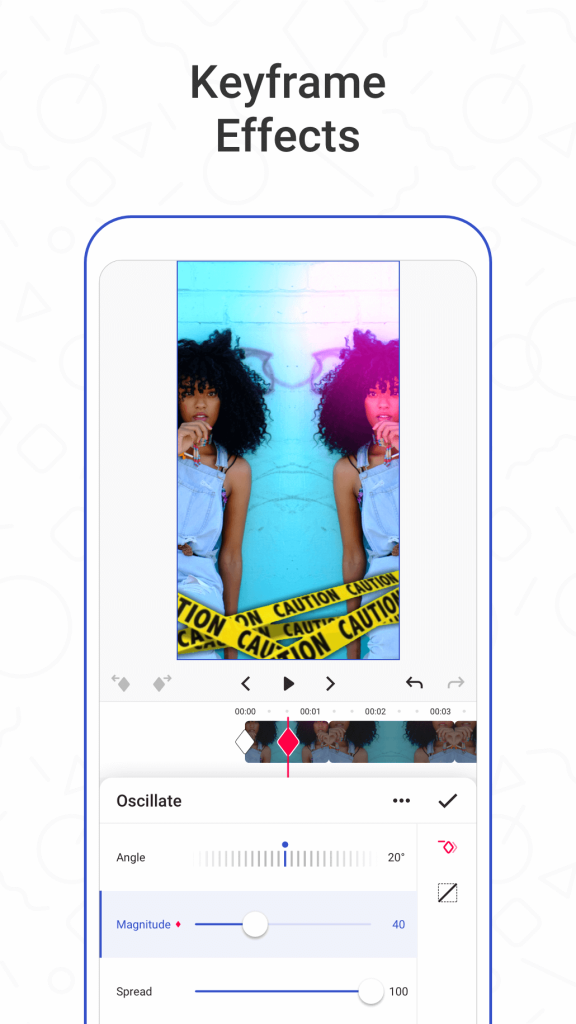

Funimate is a video‑editing app designed for quick, eye‑catching clips that can be shared on social platforms. It offers a range of effects, transitions, and music overlays that let users turn ordinary footage into polished short videos.
This page gives you the essential details, a step‑by‑step install guide, and practical tips to keep the app running smoothly on your device.
Quick Information
| App/Game Name | Funimate |
| Latest Version | 14.0.9 |
| Developer | Not listed |
| Category | Apps / Photography |
| App Size | 206.39 MB |
| Package Name | com.avcrbt.funimate |
| Last Updated | 16 April 2026 |
What Is Funimate?
Funimate lets you combine video clips, photos, text, and audio into short, share‑ready creations. Its core features include:
- Built‑in effects and filters for visual flair.
- Music library and the ability to add your own tracks.
- Easy trimming, speed control, and looping.
- Direct sharing to TikTok, Instagram, and other platforms.
The app targets casual creators who want a fast, mobile‑first editing experience. It does not replace professional‑grade editors, and some advanced features may require an internet connection.
Compatibility
| Android Version | ✓ Verified — 5.0 and up |
| Architecture (ARM64 / 32-bit) | Not Verified |
| Internet Connection | ✓ Verified — May be required for ads, updates, or login |
| Storage Needed | Not Verified |
| OBB/Data Files | Not Verified |
| Root Required | Not Verified |
How to Install
- Open your device’s Settings → Security (or Privacy) and enable Install unknown apps for the browser or file manager you’ll use.
- Download the Funimate APK file from a reputable source.
- Locate the downloaded file in your “Downloads” folder and tap it.
- Follow the on‑screen prompts to complete the installation.
- Once installed, open Funimate and grant any requested permissions (storage, microphone, etc.) to enable full functionality.
Troubleshooting
- App not installed: Ensure you have enough free storage and that the APK matches your device’s architecture (ARM/ARM64). Disable any existing Funimate version before reinstalling.
- Crashes on startup: Clear the app cache (Settings → Apps → Funimate → Storage → Clear cache) and restart the device.
- Features not working: Some effects require an internet connection; verify you have a stable network.
- Login or account issues: Use the same credentials you used on the Play Store version, or create a new account within the app.
Safety & Security
Funimate is a standard Android package. Before installing, verify the APK’s source and scan it with an antivirus app. Review the permissions it requests—storage, microphone, and network access are typical for video editing. Keep in mind that future updates from the official store may overwrite a manually installed version.
How Funimate Compares
| Feature | Funimate | InShot | KineMaster |
|---|---|---|---|
| Price / Free model | Free with ads; optional in‑app purchases | Free with ads; premium subscription for extra assets | Free with watermark; subscription removes watermark and adds assets |
| Platform availability | Android | Android & iOS | Android & iOS |
| Standout feature | Social‑media‑focused effects and quick sharing | Simple timeline editing with robust export options | Multi‑layer timeline with professional‑grade tools |
| Best for | Casual creators who want fast, fun edits | Users needing straightforward edits and collage tools | Creators looking for deeper control and layer management |
Alternatives
- InShot – A versatile editor with strong trimming, speed control, and a large sticker library; good for quick social posts.
- KineMaster – Offers multi‑track editing, chroma key, and precise timeline control; suited for more detailed projects.
- Adobe Premiere Rush – Cloud‑linked workflow with professional‑grade presets; ideal for creators who also use desktop Adobe tools.
- CapCut – Free, feature‑rich editor with trending effects and easy export; popular among TikTok users.
Final Verdict
Funimate is a solid choice for anyone who wants to produce short, engaging videos without a steep learning curve. It provides a decent set of effects and direct social sharing, though power users may outgrow it in favor of more advanced editors. Verify the APK source, grant only necessary permissions, and you’ll have a reliable tool for everyday video creation.
Frequently Asked Questions
Download the APK from a reputable source, scan it with an antivirus app, and review the permissions before installing.
Funimate runs on most Android devices released in the last several years; Android 6.0 (Marshmallow) or newer is generally recommended.
No extra OBB files are required; the APK contains all core assets.
This can happen if the APK is corrupted, if there’s insufficient storage, or if an older version of Funimate is already installed.
Yes, you can replace the Play Store version, but you may lose automatic updates and need to reinstall manually for future versions.
Edited videos are saved to your device’s storage, and you can choose to share them directly to social platforms from within the app.
No verified modded build is available for Funimate at this time.